01
One bot for every job.
Make a bot for each part of your work and group them the way your week runs. Each keeps its own chat, instructions and memory, and can hand work to another.
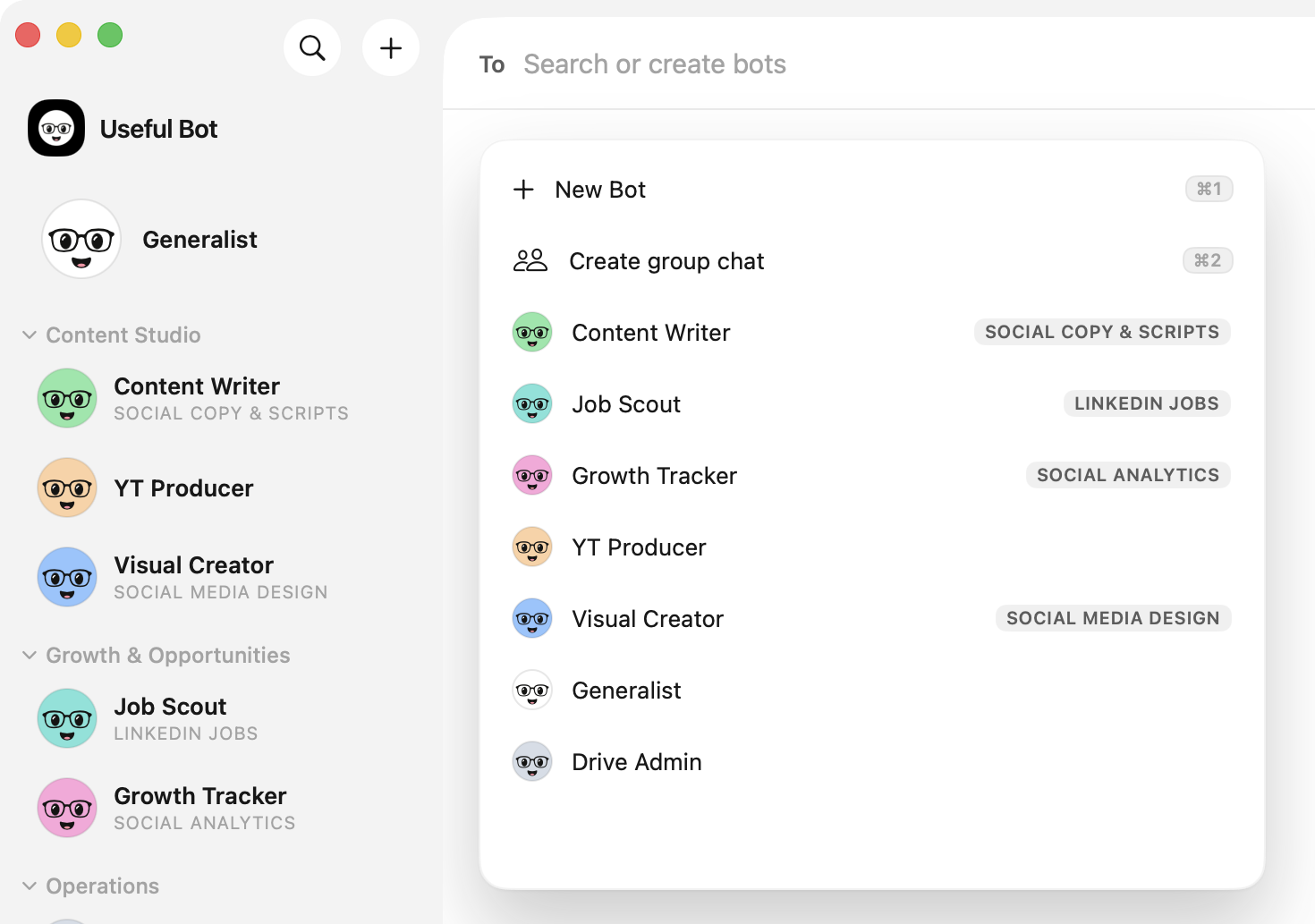
Native Mac app · Built by Useful Build
Give each bot one job: writing, research, your inbox or your files. They run on the model you already pay for, work in the apps you connect and ask before they touch anything you haven't allowed.
The first release is on its way. The download goes up here the day it's out.
$ curl -fsSL https://github.com/wasimjalali/useful-bot-releases/releases/latest/download/install.sh | sh
Or paste this in Terminal. macOS 14+ · Apple silicon · Updates arrive in the app
The app isn't notarized yet. After a download, allow it once in System Settings, Privacy & Security. The Terminal line skips that step.
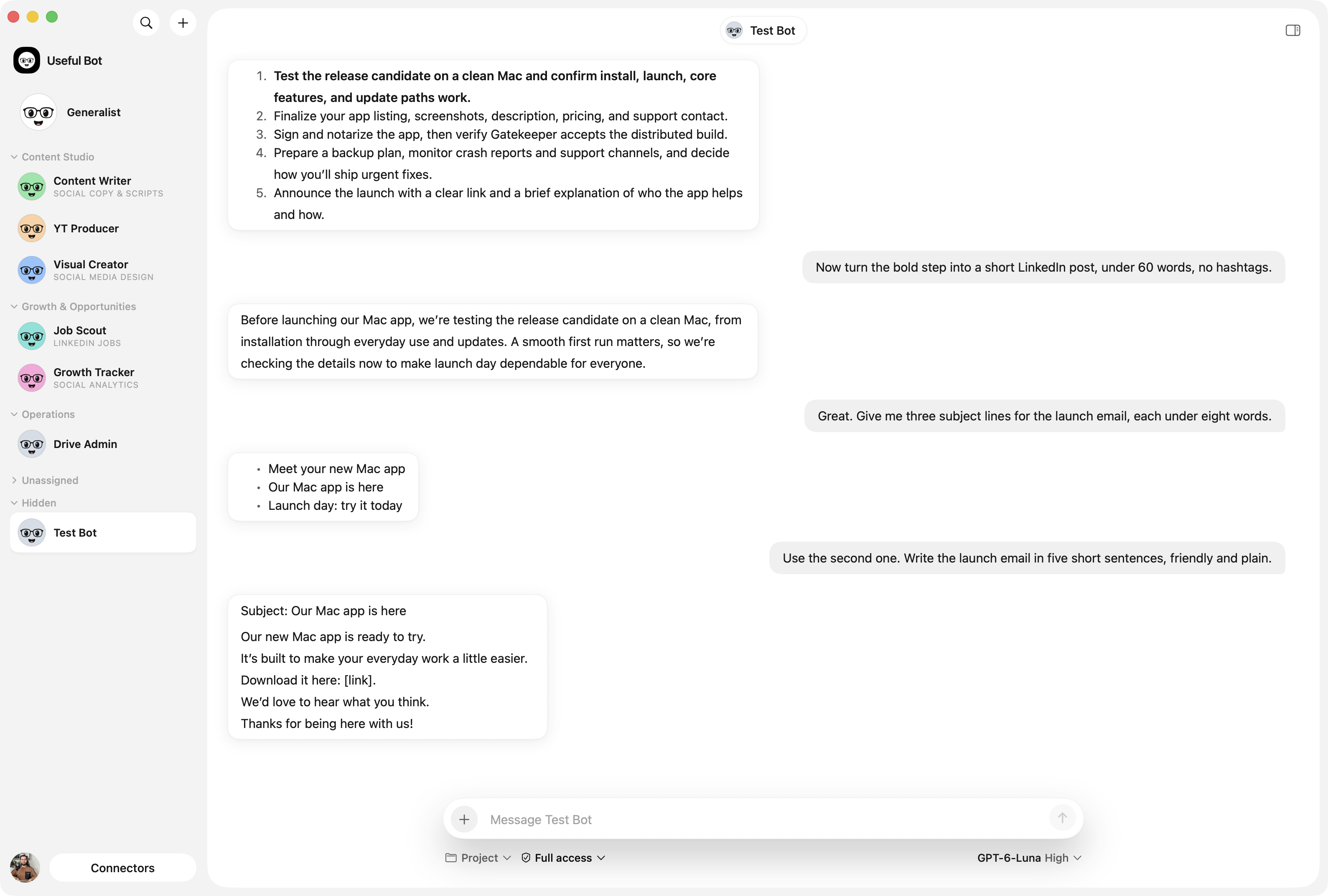
Make a bot for each part of your work and group them the way your week runs. Each keeps its own chat, instructions and memory, and can hand work to another.
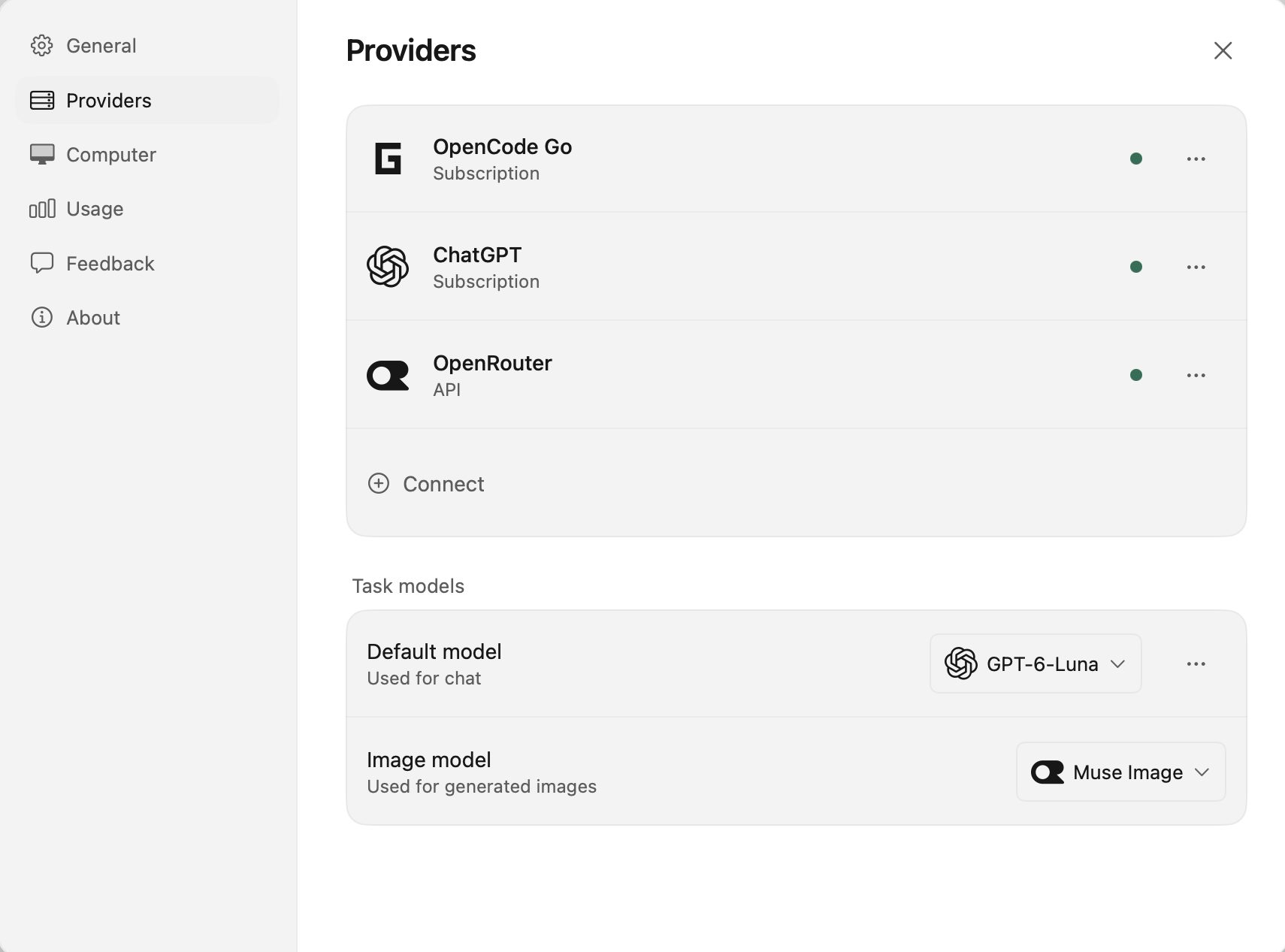
Sign in with ChatGPT or GitHub Copilot, add a coding plan or an API key, or point it at a model running on your own Mac. Pick the model per chat.
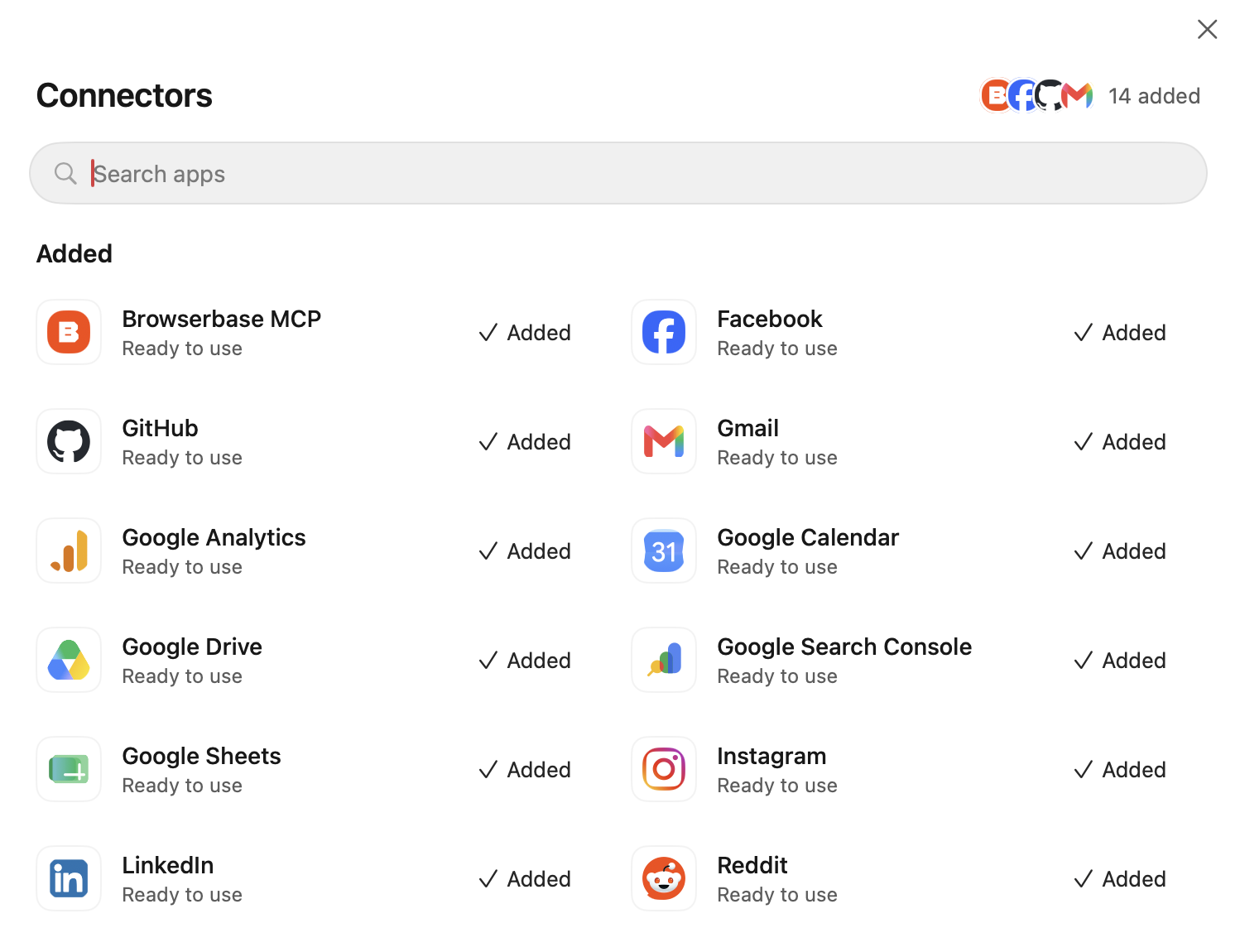
Connect Gmail, Calendar, Drive and hundreds more. Read only, Auto or Full access decides what a bot may do on its own. In Auto, anything else waits for your yes.
What leaves your Mac, in full: the privacy page.

Download the app, connect a model and make your first bot. It takes a couple of minutes.